How to Choose 3D Laser Scanners for Your Business
Find out how to select the right 3D laser scanner for your business, from understanding the key technology types through to matching specifications and software to your industry applications.




Find out how to select the right 3D laser scanner for your business, from understanding the key technology types through to matching specifications and software to your industry applications.
The 3D laser scanner market has expanded significantly in recent years, and with that expansion has come a wider range of instrument types, price points, and capabilities than most buyers encounter anywhere else in the survey and construction equipment sector. The right choice for a heritage recording firm is likely to be quite different from the right choice for a construction team capturing as-built data on a live site, even if both describe their need as simply needing a laser scanner.
This guide helps you work through the decisions that matter: what the different scanner types do well, which specifications are worth prioritising for your applications, and how to evaluate the full cost of ownership rather than the upfront price alone. For more detail on specific applications and accuracy considerations, see our related guides on laser scanner accuracy: what you need to know, common laser scanning survey mistakes and how to avoid them, and how 3D survey scanners transform infrastructure projects. Alternatively for an introduction to laser scanning, please see our guide: What is Laser Scanning used for?
A 3D laser scanner emits a laser beam and measures the time it takes to return from a surface, converting that time into a precise distance measurement. By rotating the beam across a defined field of view and recording millions of these measurements, the scanner builds a dense three-dimensional point cloud that represents the shape and position of every surface within range.
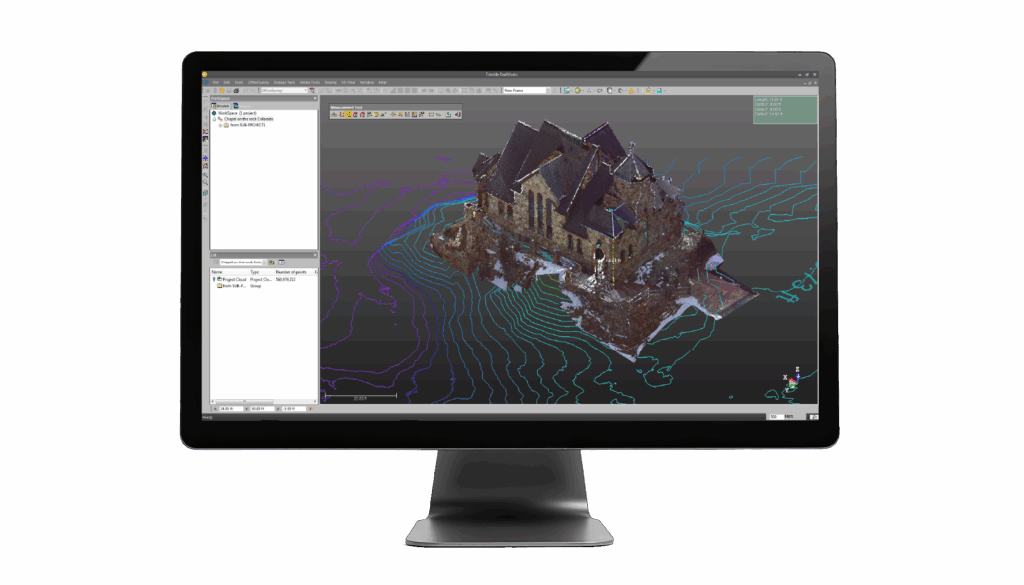
The point cloud is the raw output of a laser scanning session. It contains the spatial coordinates of every measured point, and in many modern scanners it also contains colour information captured by an integrated camera. That combined dataset is the starting point for processing into deliverables including 2D drawings, 3D models, BIM assets, cross-sections, and volume calculations.
The scanner market divides broadly into three categories, each suited to different working conditions and project types.
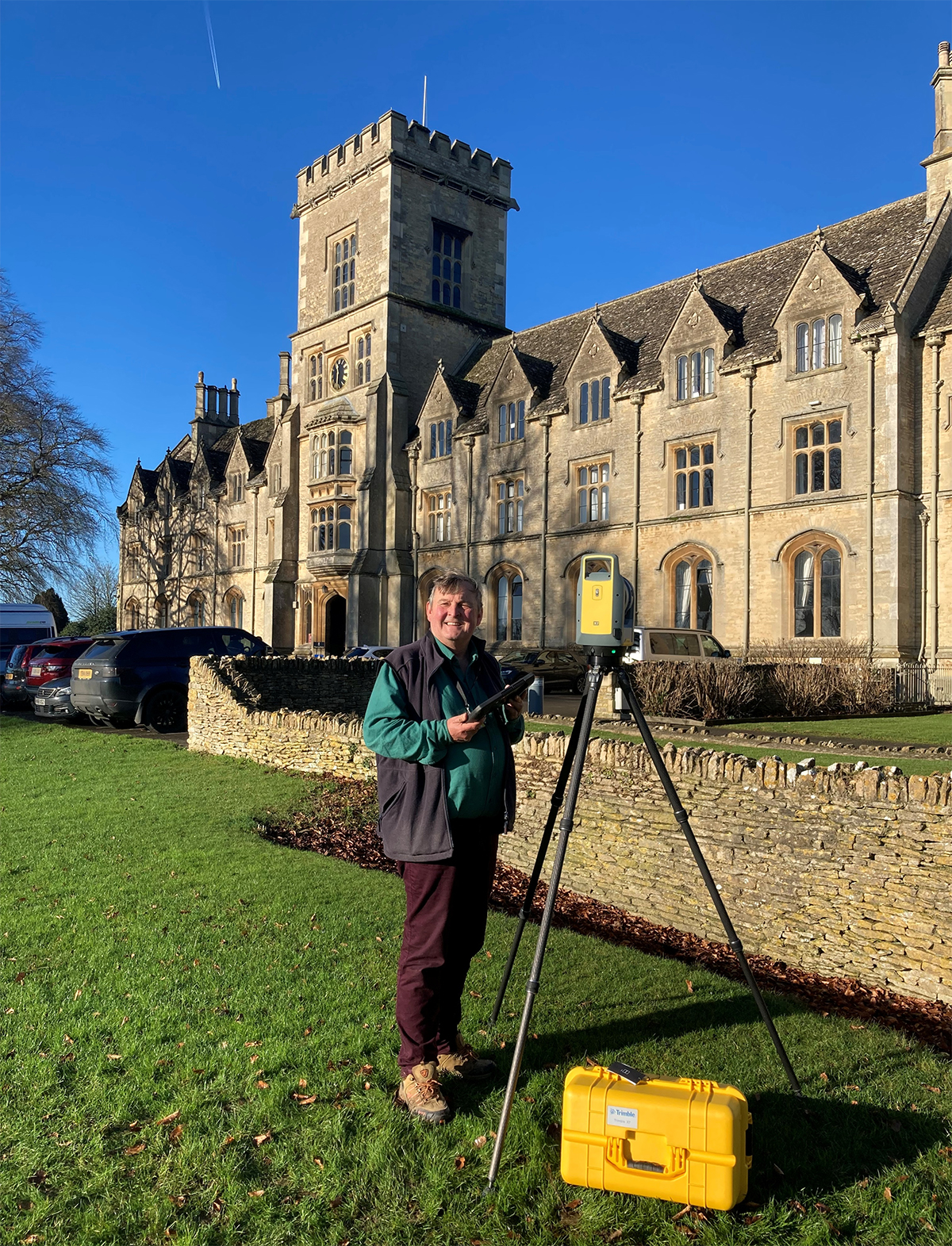
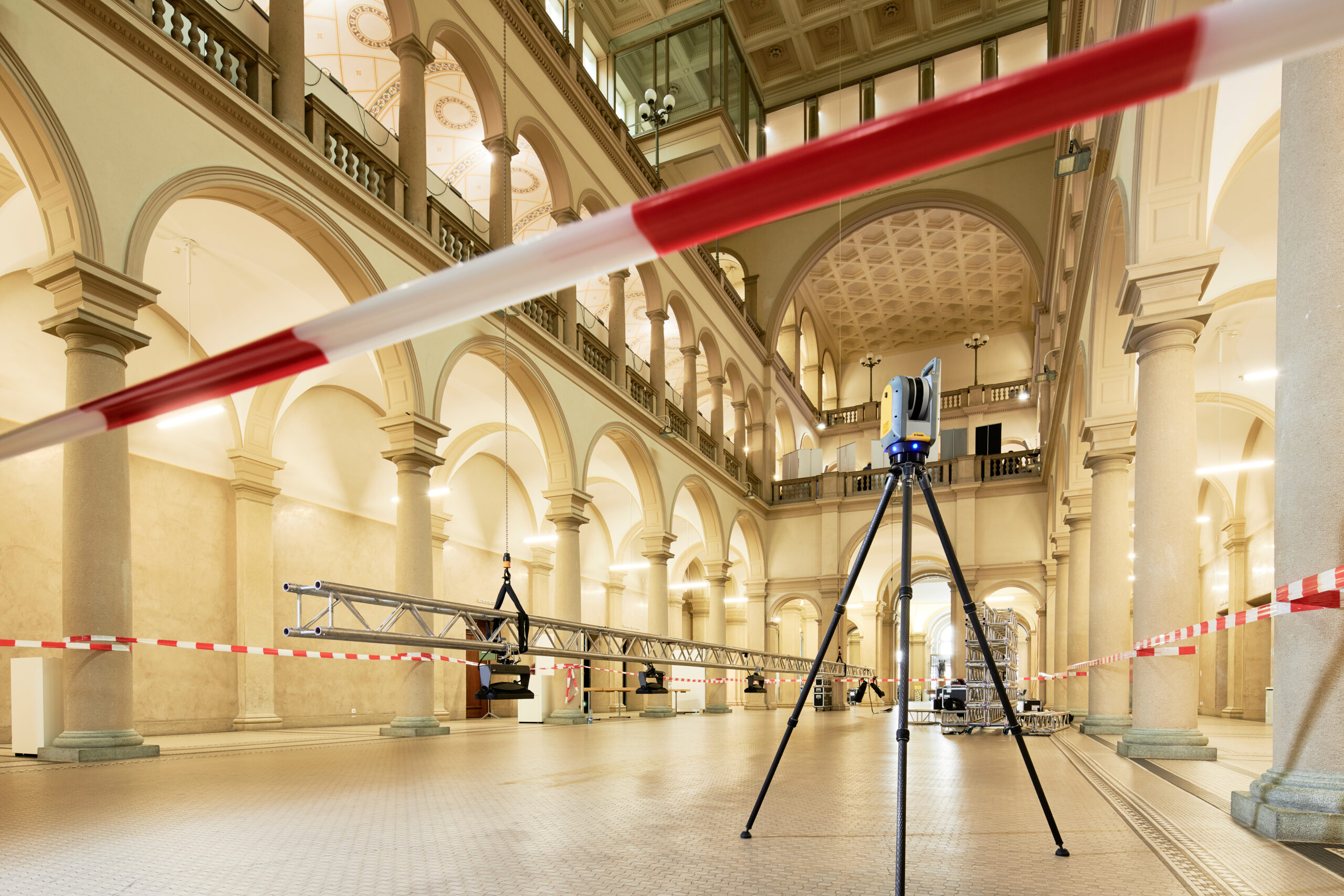
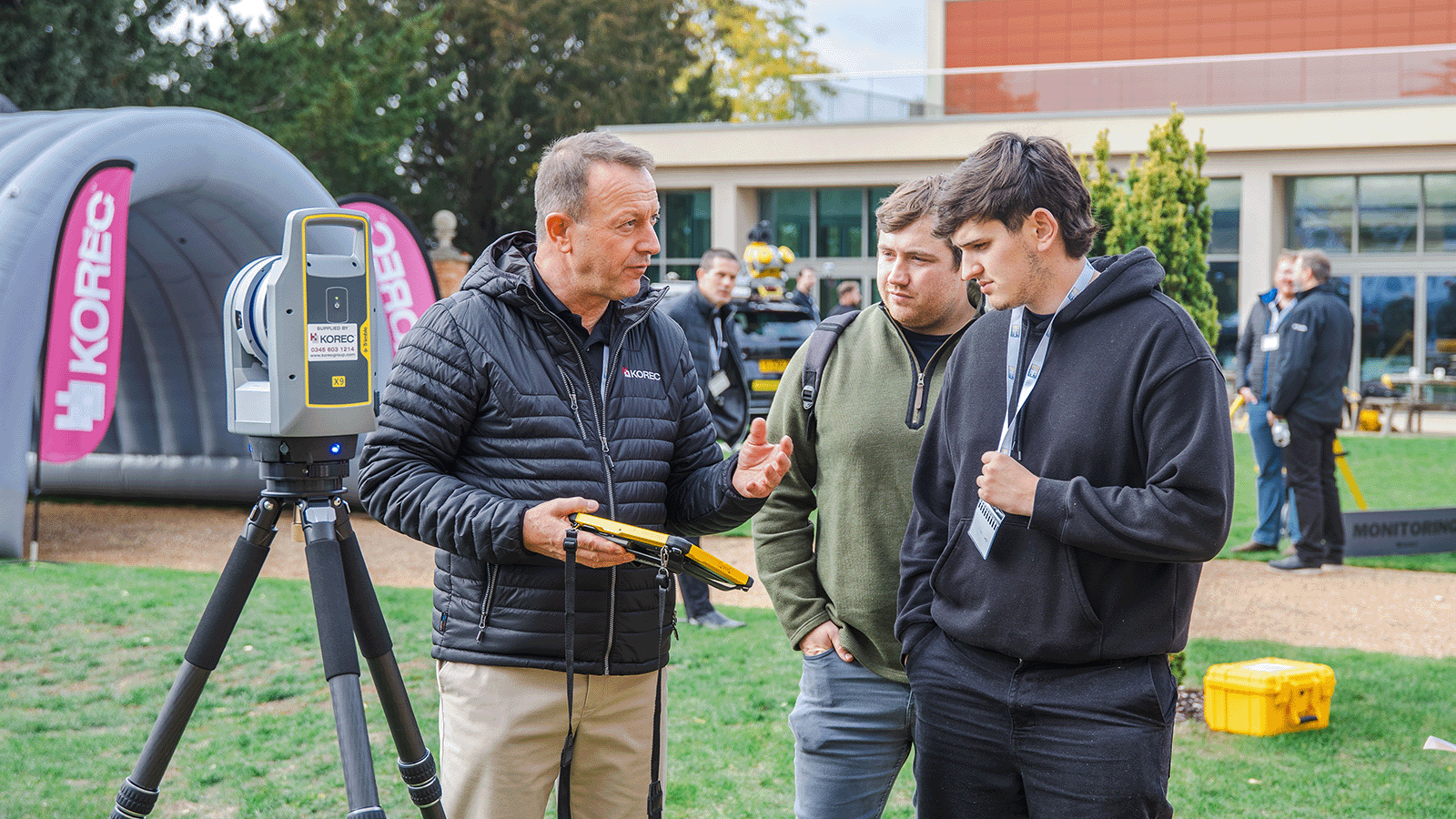
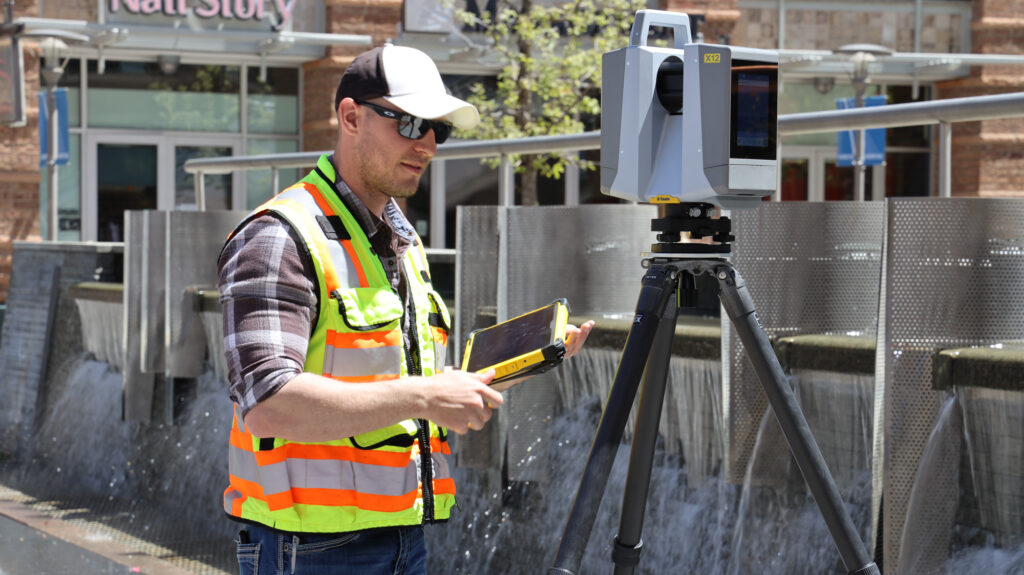
Terrestrial laser scanners are tripod-mounted instruments that capture data from a fixed position. They are the workhorse of professional survey and construction scanning, combining high accuracy with long range and excellent point density. KOREC’s terrestrial range includes the Trimble X9 Premium, Core and Core LT, and Trimble X12, each suited to different combinations of speed, range, and density requirements, alongside the Trimble SX12, which combines terrestrial scanning with full robotic total station capability in a single instrument.
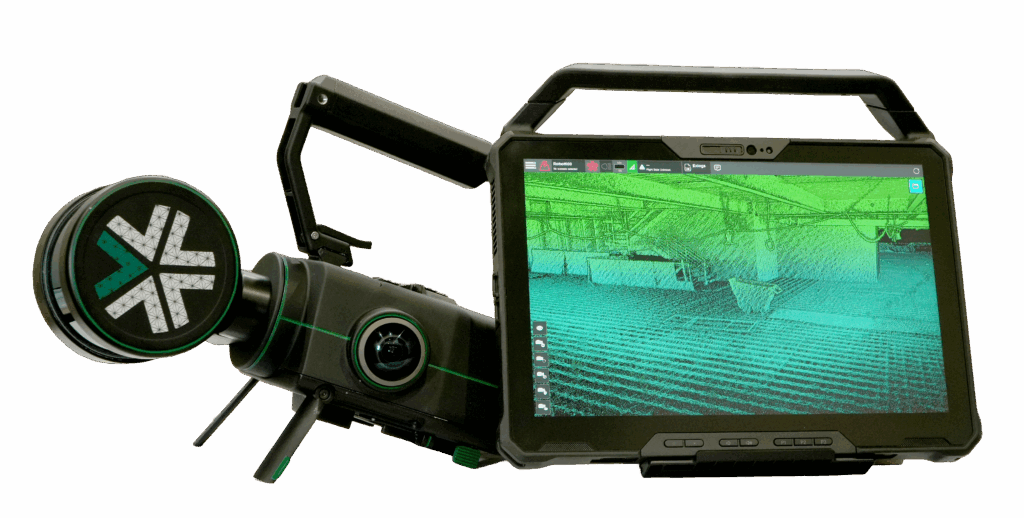
SLAM-based handheld scanners use Simultaneous Localisation and Mapping algorithms to capture 3D data while moving through an environment, without the need for a tripod or setup at each position. The Exyn Nexys is KOREC’s SLAM scanning solution, designed for rapidly scanning complex indoor environments, confined spaces, tunnels, and areas where setting up a tripod is impractical. Speed of capture is the primary advantage; the accuracy and point density of a SLAM scanner typically falls below that of a terrestrial instrument, so the choice between them is a genuine trade-off rather than a simple hierarchy.
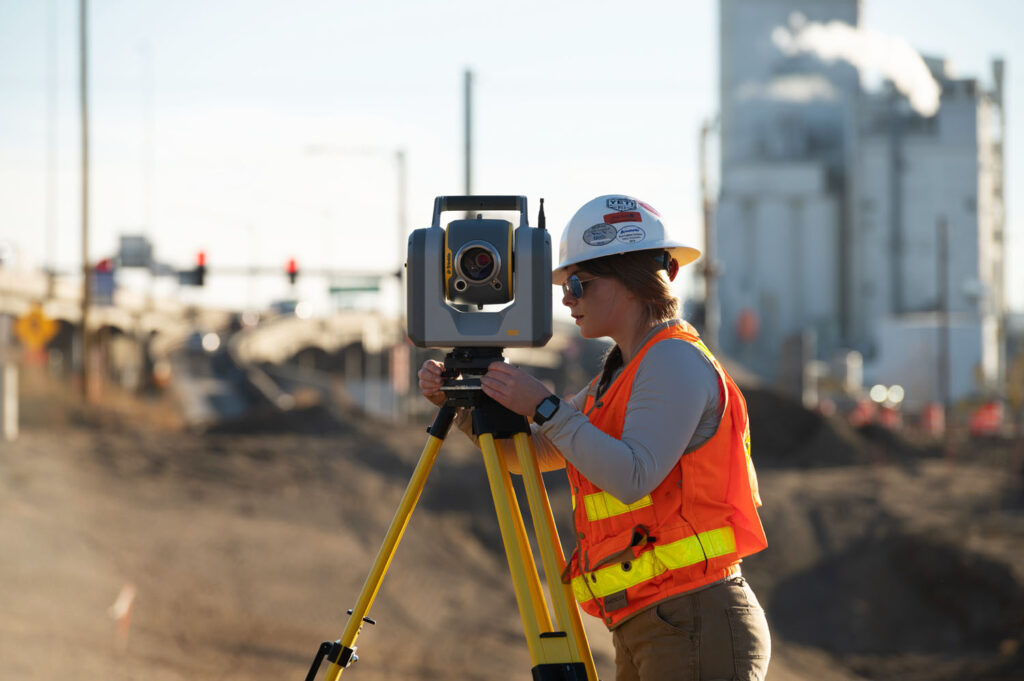
Scanning total stations such as the Trimble SX12 occupy a distinct category, combining robotic total station functionality with integrated scanning. For teams that need both conventional survey capability and scanning in the same field session, a scanning total station removes the need to carry and manage two separate instruments.
Accuracy is the most commonly cited specification when comparing scanners, but it is also one of the most frequently misunderstood. Published accuracy figures typically refer to the precision of a single point measurement under controlled conditions. In practice, the accuracy of a registered point cloud across a large site depends on the quality of the scan registration process, the use of targets or reference geometry, and the care taken in the field as much as the raw instrument specification.
For most professional survey and construction applications, a 3D positional accuracy in the range of two to six millimetres is appropriate and achievable with a good-quality terrestrial scanner and proper field practice. For heritage recording, forensic work, and applications with tighter tolerances, accuracy closer to two millimetres or better is worth specifying. For rapid progress monitoring or large-scale site documentation where millimetre precision is not the primary requirement, a SLAM scanner may deliver sufficient accuracy at significantly higher speed.
Scanner range determines how much of a site can be captured from each setup position. A scanner with a longer range requires fewer setups to cover the same area, which reduces field time and the number of scan registrations required in processing. For large industrial facilities, infrastructure projects, and open outdoor environments, range matters significantly.
The Trimble X9 Premium has a maximum range of 150 metres, which covers most professional survey applications. The Trimble X9 Core has a maximum range of 80 metres and the Trimble X9 Core LT has a maximum range of 40 metres. The Trimble X12 extends this to 250 metres, making it the appropriate choice for large-scale infrastructure, long tunnels, and any environment where maximising coverage from each setup position has a direct impact on field productivity.
Scan speed is measured in points per second and determines how quickly a scanner can capture a complete coverage of its field of view at a given point spacing. Higher scan speeds allow either faster capture at a given density or higher density at the same capture time. For applications where time on site is a commercial constraint, scan speed is a meaningful differentiator.
The Trimble X9 Premium captures up to 1 million points per second, the Trimble X9 Core and Core LT up to 0.5 million points per second and the Trimble X12 up to 2.2 million points per second. For projects involving large volumes of data or tight field time constraints, the difference in scan speed between these instruments translates directly into fewer setups or shorter time on site.
Scanner weight and form factor matter on sites where the instrument must be carried over distance, set up in restricted spaces, or operated by a smaller team without dedicated equipment handlers. Heavier instruments with larger tripod footprints are more suited to controlled environments with good access; lighter, more compact instruments are better for confined spaces, multi-storey buildings, and sites with limited access points.
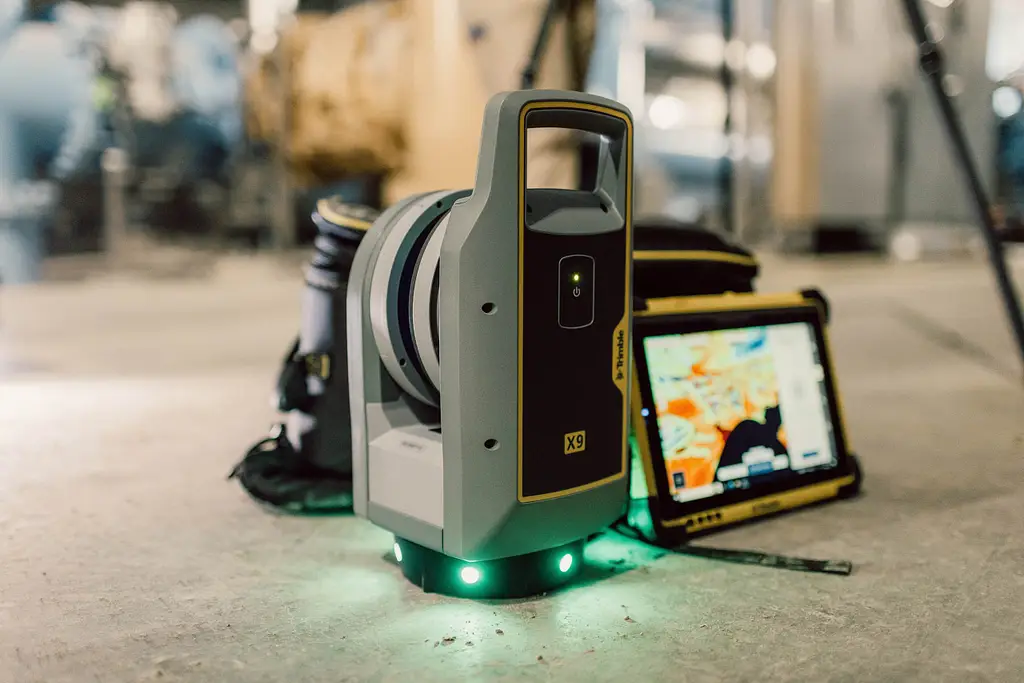
The Trimble X9 scanners feature automated self-levelling, which reduces setup time significantly and allows a single operator to move between positions quickly. The Exyn Nexys removes the tripod requirement entirely, making it the most portable option for environments where setup time is a limiting factor.
A laser scanner produces data. The value of that data depends on the software used to process it into deliverables. Before committing to a scanner, confirm that it produces data in formats compatible with your existing processing workflow, and assess what the processing software costs relative to the hardware investment.
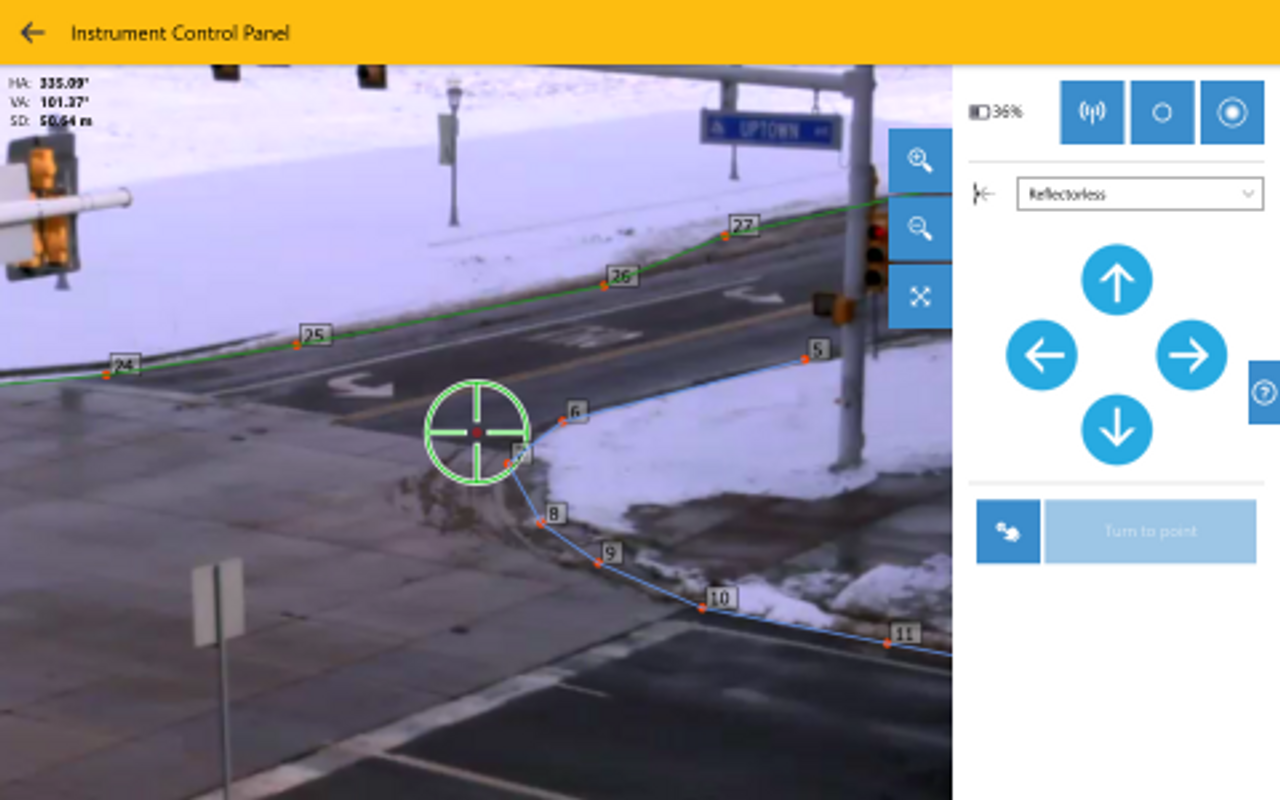
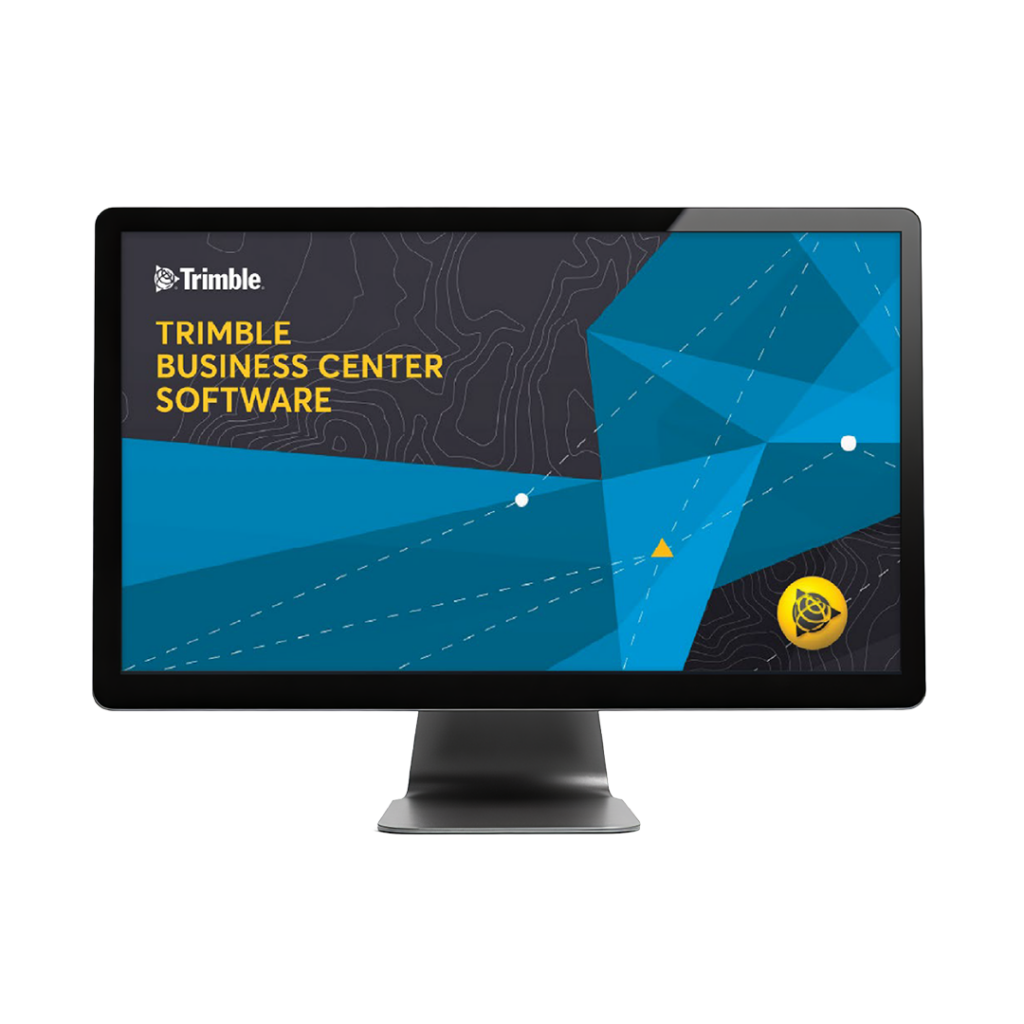
Trimble RealWorks is the primary office processing software for Trimble terrestrial scanners, handling point cloud registration, quality checking, feature extraction, and deliverable production. Terrasolid TerraScan, TerraModeler, and TerraMatch provide an alternative processing pipeline particularly suited to large datasets and mobile mapping workflows. Both are available through KOREC. For field data capture on Trimble scanners, the Trimble T110 tablet running Trimble Perspective software manages the scanning workflow on site.
Construction scanning covers a wide range of applications: as-built documentation, clash detection, progress monitoring, façade surveys, and BIM data capture. The key requirements are consistent accuracy, efficient workflow integration with BIM platforms, and speed of capture on active sites. The Trimble SX12 is particularly well suited to construction teams that need both scanning and survey capability in a single instrument, removing the need to carry and manage separate equipment on complex sites.
For dedicated scanning on larger construction and infrastructure projects, the Trimble X9 provides a strong balance of speed, range, and accuracy. Data can be exported directly into Trimble RealWorks and Trimble Business Center and a range of BIM platforms for as-built modelling and design comparison.
Heritage recording demands high accuracy, the ability to capture complex and irregular geometry, and deliverables that can be used for both archival purposes and practical conservation work. Colour-accurate imagery registered to the point cloud is increasingly important for heritage applications, as it allows textured 3D models to be produced that capture the visual character of a structure alongside its geometry.
The Trimble X9 include integrated cameras for colourised point cloud capture. For confined historic interiors, vaulted spaces, and structures with complex geometry, the Exyn Nexys SLAM scanner offers rapid coverage without the line-of-sight constraints of a tripod-mounted instrument, though accuracy should be verified against the project specification before selecting it for precision heritage work.
Infrastructure projects including tunnels, bridges, roads, and rail corridors require scanners with long range, high density, and the ability to produce accurate cross-sections and longitudinal profiles. The Trimble X9 Premium and Trimble X12 are the strongest choice for large infrastructure applications, with the Trimble X9 Premium 150 range and 1 million points per second capture rate and the Trimble X12 250 metre range and 2.2 million points per second capture rate allowing fewer setups across extensive structures.
For tunnel scanning in particular, range and the ability to work in environments without natural light are both relevant. SLAM scanners offer the advantage of continuous capture while walking through a tunnel, avoiding the need to set up a tripod at regular intervals in a confined environment.
Forensic scanning requires accurate, rapid capture of a scene that may need to be cleared quickly and cannot be revisited. The emphasis is on completeness of capture, ease of use under field conditions, and the ability to produce court-admissible deliverables. The Trimble X9 is well suited to forensic applications: its automated self-levelling and straightforward field workflow allow a complete scene to be captured efficiently, and the colourised point cloud provides the visual context that forensic deliverables require.
For further information on forensic surveying applications, see the KOREC forensics industry page.
Resolution in laser scanning refers to the minimum distance between adjacent points in the captured point cloud. It is determined by the angular step size between successive laser pulses and the distance to the surface being scanned. At longer distances, the same angular step produces a larger point spacing, so the effective resolution of a scan depends on both the instrument setting and the distance to the target.
For most professional applications, a point spacing of five to ten millimetres at the survey distance is sufficient for as-built documentation, structural recording, and topographic capture. For applications requiring very fine surface detail, such as detailed heritage recording or industrial inspection, a tighter point spacing may be specified, which will increase scan time and data volume accordingly.
The field of view of a scanner determines what proportion of the surrounding environment it can capture from a single setup. Most professional terrestrial scanners cover a full 360-degree horizontal field and a vertical range of approximately 300 degrees, allowing the scanner to capture almost everything around and above the setup position in a single scan. Gaps directly below the instrument are common and unavoidable with a tripod-mounted scanner.
For applications where capturing the area directly below the scanner is important, such as recording the underside of a bridge deck from a boat or elevated platform, scanner placement and supplementary scan positions should be planned before fieldwork begins.
Survey scanners operate outdoors in a wide range of conditions. An IP rating of IP54 or better provides resistance to dust ingress and water splashing from any direction, which covers most UK and Ireland field conditions. The Trimble X9 and Trimble X12 all carry IP54 ratings as a minimum, and the Trimble X9 includes active temperature regulation to maintain performance across a wider operating temperature range.
For scanning in environments with more extreme conditions, including industrial sites, tunnels, and coastal locations, check the specific operating temperature and humidity range of the instrument against the expected site conditions before specifying.
The purchase price of a laser scanner is the starting point of the cost calculation, not the whole picture. Calibration, servicing, software licences, training, and eventual hardware replacement all contribute to the true cost of ownership over the working life of the instrument. An instrument that appears cheaper at purchase may prove more expensive over five years if its software licensing model is costly, its servicing requires shipping abroad, or its capabilities limit the range of work it can support.
KOREC’s UK and Ireland-based calibration and repair workshops mean instruments are typically returned within days rather than weeks. KOREC Care Packages bundle calibration, servicing, and loan instrument cover into a predictable annual cost, which simplifies budget planning for businesses where instrument downtime has a direct commercial impact.
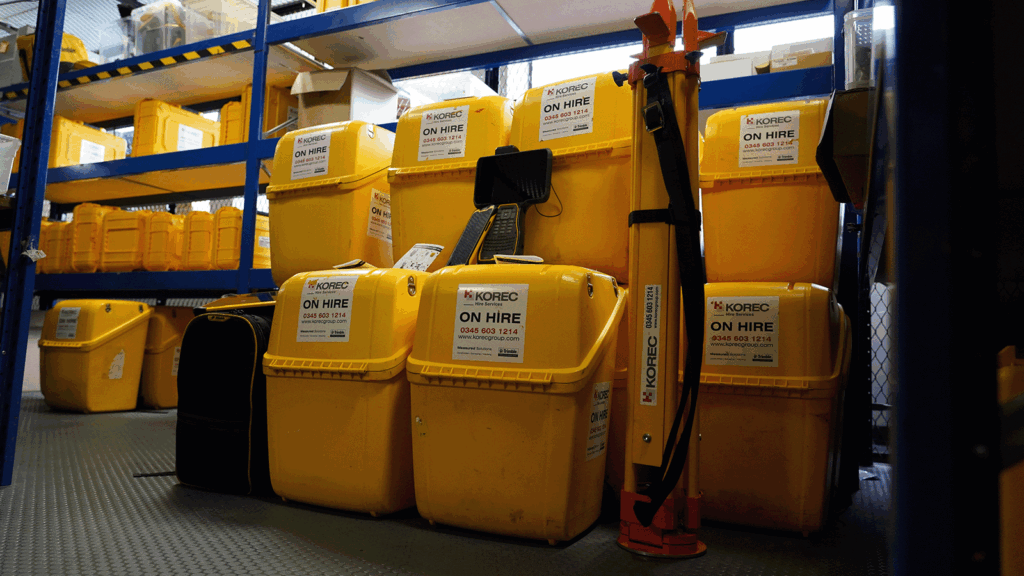
For businesses evaluating whether a laser scanner investment is justified by their current workload, or assessing which model best suits their applications before committing to purchase, KOREC’s hire fleet provides access to scanner equipment on a project-by-project basis. This is particularly useful for firms whose scanning workload is growing but has not yet reached the volume that makes ownership the clear commercial choice. See the KOREC hire range for current availability.
Processing software is a recurring cost that should be factored into the investment assessment alongside the hardware. Trimble RealWorks is licensed on a subscription basis, and the annual cost should be modelled against the expected volume of scanning work and the value of the deliverables it produces. Training investment should also be assessed honestly: an operator who is fully proficient in both field capture and office processing produces better deliverables and recovers the scanner investment faster than one who is self-taught and developing their workflow gradually.
KOREC provides structured training for both field scanning and Trimble RealWorks processing, which can be taken at the point of purchase or at any stage during the instrument’s working life. Training costs are a small fraction of the hardware investment and typically recover their value quickly through improved field and processing efficiency.
Before committing to a scanner purchase, the following questions help ensure the investment is well-matched to your actual requirements:
Matching a laser scanner to a business is not primarily a technical exercise. It is a commercial one. The right instrument is the one that covers your most frequent applications reliably, fits within your team’s capability to use and process effectively, and delivers a return on investment across the volume of work you actually have rather than the volume you might aspire to.
For most professional survey and construction businesses starting with laser scanning, the Trimble X9 Core and Core LT provides an accessible entry point with strong accuracy, automated field workflow, and full Trimble RealWorks compatibility. For businesses with higher throughput requirements, longer range applications, or a need for faster scan rates, the Trimble X9 Premium and Trimble X12 offer the additional performance where it makes a practical difference. For teams needing both scanning and survey in a single instrument, the Trimble SX12 removes the need to manage two separate instrument categories.
KOREC can arrange demonstrations and, in many cases, short-term hire periods to allow your team to assess a scanner in your own working environment before committing. To discuss which instrument is the right fit for your business, speak to our team via the laser scanning product page or contact us directly.
A terrestrial scanner is tripod-mounted and captures data from a fixed position, producing high-accuracy point clouds with consistent density across the scanned area. A SLAM scanner is handheld and captures data while moving, making it faster to deploy in complex environments but typically less accurate. The choice between them depends on whether speed of capture or accuracy is the primary requirement for a given project.
A scanning total station such as the Trimble SX12 is the right choice for teams whose primary work is conventional survey but who need scanning capability for specific applications. It removes the need to carry a separate scanner on site. A dedicated terrestrial scanner is better suited to teams where scanning is the primary activity and the higher scan speeds, longer ranges, and greater point density of a standalone instrument are regularly needed.
Trimble RealWorks is the standard processing software for Trimble terrestrial scanners, handling registration, quality checking, feature extraction, and deliverable production. Terrasolid TerraScan and TerraModeler are alternatives suited to larger datasets and mobile mapping workflows. Both are available through KOREC. Field data capture for Trimble scanners uses the Trimble T110 tablet running Trimble Perspective software. For more information on the full software range, see the laser scanning product page.
KOREC provides structured training for both field scanning and Trimble RealWorks processing, available at the point of purchase or at any stage during the instrument’s working life. UK and Ireland-based calibration and repair workshops, dedicated account management, and KOREC Care Packages for ongoing servicing and loan instrument cover are all available. As the authorised Trimble dealer for the UK and Ireland, KOREC supports the full laser scanning range from initial purchase through to the full working life of the instrument.
KOREC can advise you on the right laser scanning equipment for your business. Speak to our friendly experts today to get the right technology to solve your project challenges.