Forensic Mapping Software: From Scene Capture to Court-Ready Deliverables
Find out how forensic mapping software processes scene data into diagrams, 3D reconstructions, and courtroom visualisations, and which tools KOREC supplies for the full workflow from field to presentation.
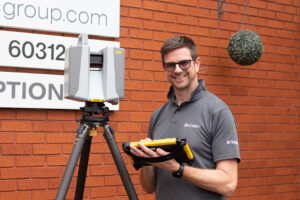
Our scanning specialist with 20+ years in geospatial, Melvin has spent a decade capturing huge volumes of data with laser scanners, and is equally passionate about promoting surveying careers through school talks and college partnerships.
Documenting a scene is only the first step. The data captured there needs to be analysed, turned into a clear reconstruction, and eventually presented to people who were not there and have no technical background in survey data. KOREC’s forensic mapping software covers this entire journey, deliberately, as one connected system rather than three unrelated products.
The Forensic Software Workflow: Three Stages, Three Products
Three products carry data from a scene through to a courtroom: Trimble Forensics Capture for field data collection, Trimble Forensics Reveal for office analysis and reconstruction, and Trimble Forensics ShowCase for courtroom presentation. Each is built to receive what the previous stage produced without requiring the data to be reformatted, reprocessed, or rebuilt along the way.
Stage 1: Trimble Forensics Capture
Collecting and Organising Scene Data in the Field
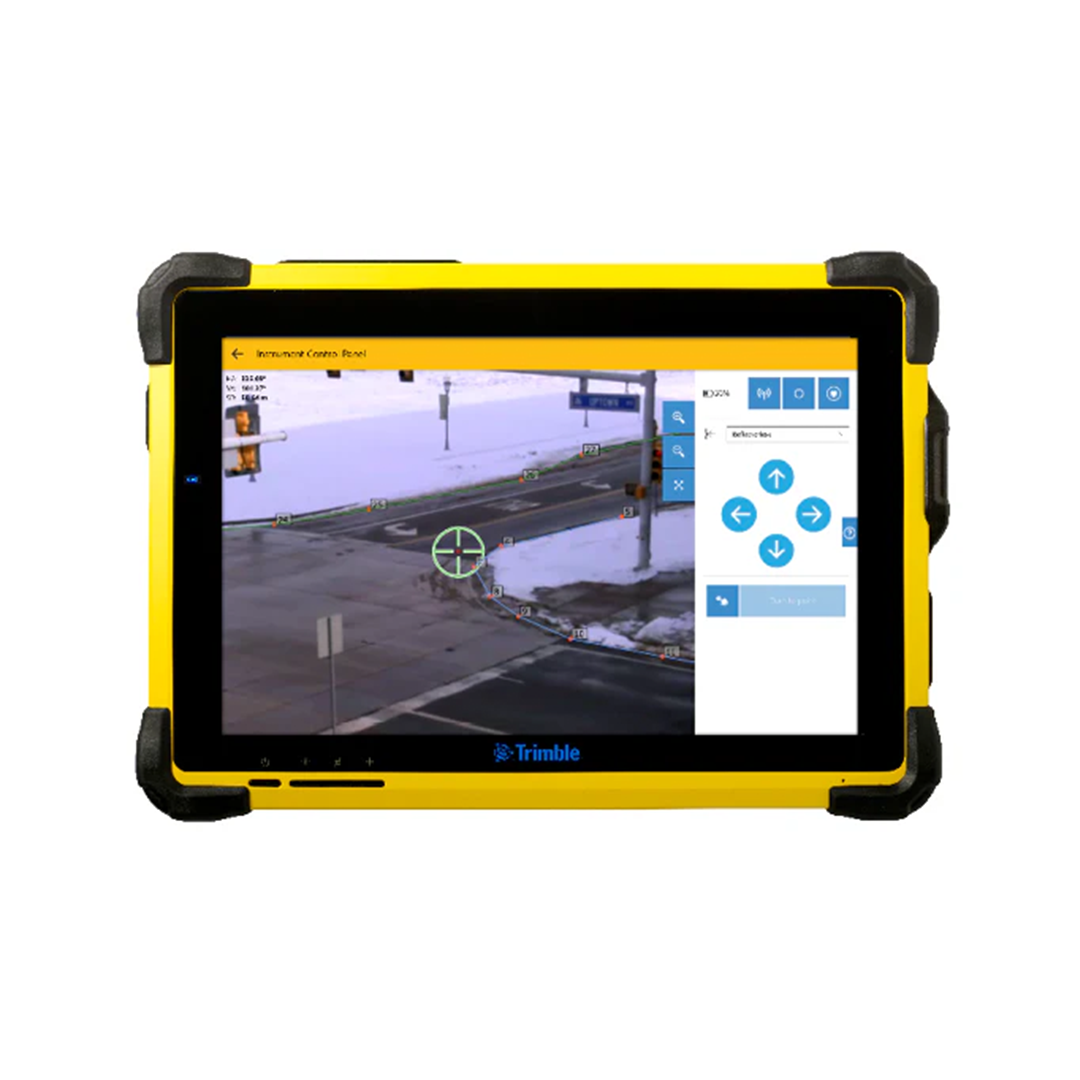
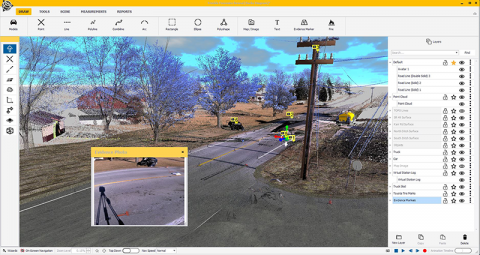
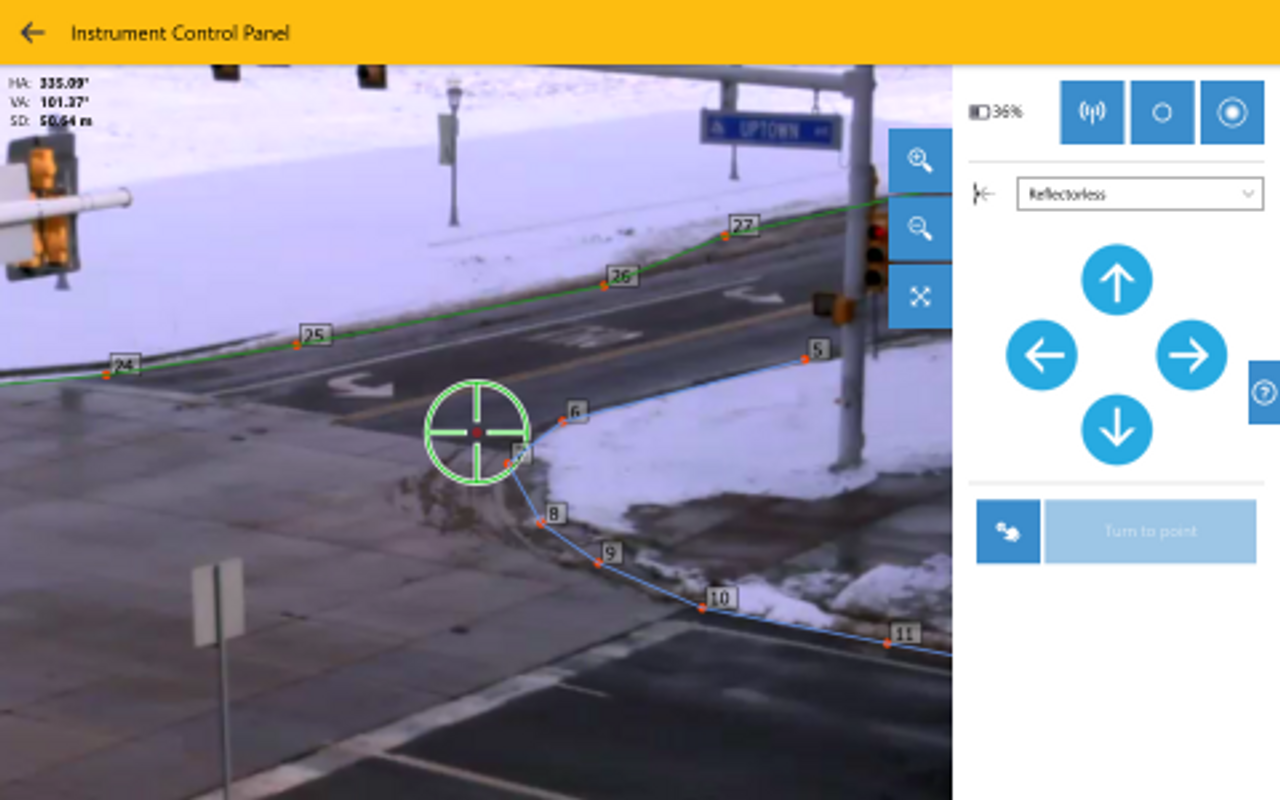
Trimble Forensics Capture guides the investigator through scanning, evidence point measurement, and GNSS positioning at the scene, organising the data as it is collected rather than leaving that task for later. Our companion guide on Trimble Forensics Capture explains this stage in full.
Creating Georeferenced Point Clouds Before Leaving the Scene
Trimble Forensics Capture ties point cloud data to a known position while still on site, which means what arrives at the next stage is already correctly positioned rather than raw data still waiting to be located.
Stage 2: Trimble Forensics Reveal
Processing Scene Data in the Office
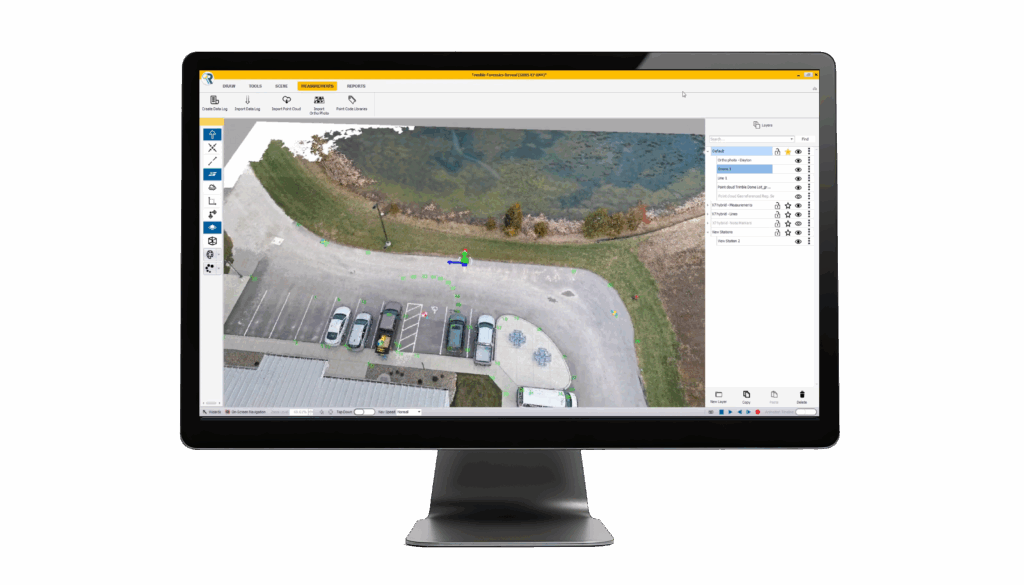
Trimble Forensics Reveal receives the georeferenced data from Trimble Forensics Capture and registers it into a single, checked dataset ready for analysis.
Trajectory Analysis and Ballistics
Trajectory analysis uses the measured scene geometry to establish the path an object travelled, supporting ballistics work where the angle and origin of an impact matters to the investigation.
Skid Mark Measurement and Vehicle Position Analysis
In collision cases, skid mark measurement and vehicle resting position feed directly into speed and impact analysis, measured precisely from the point cloud rather than estimated from notes.
3D Scene Reconstruction
Trimble Forensics Reveal builds a 3D reconstruction from the registered scan data, which a legal team can examine from any angle rather than relying on fixed photographs. Our dedicated guide on Trimble Forensics Reveal covers its full analytical capability in depth.
Generating Reports and Documentation
Trimble Forensics Reveal generates reports documenting the analysis and measurements relied upon, giving the case a clear written record to sit alongside the visual reconstruction.
Stage 3: Trimble Forensics ShowCase
Presenting Evidence in Court Without Technical Complexity
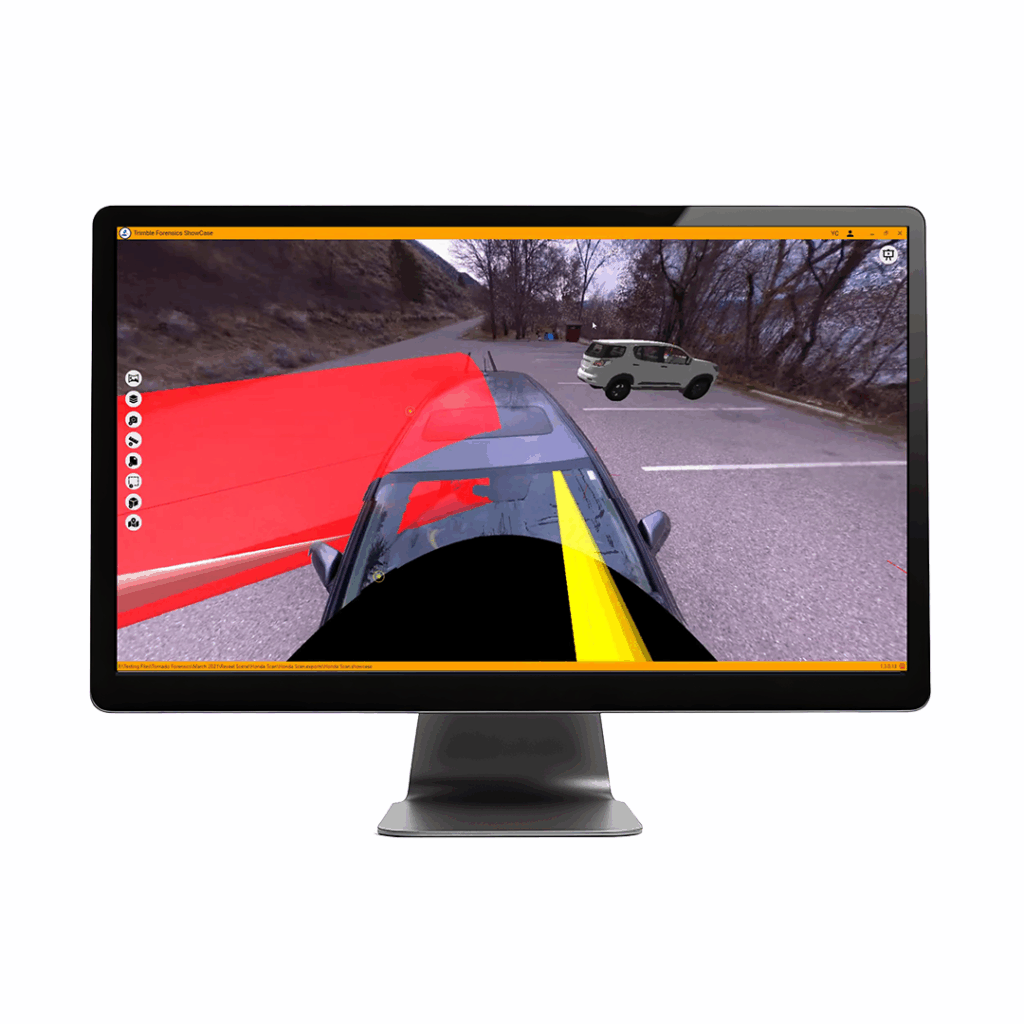
Trimble Forensics ShowCase is designed to be used by the investigator testifying, not by a technical specialist sitting alongside them. The interface is built around presenting evidence clearly on the day, rather than requiring the kind of technical fluency that analysis software like Trimble Forensics Reveal demands.
360-Degree Scene Renderings for Juries and Legal Teams
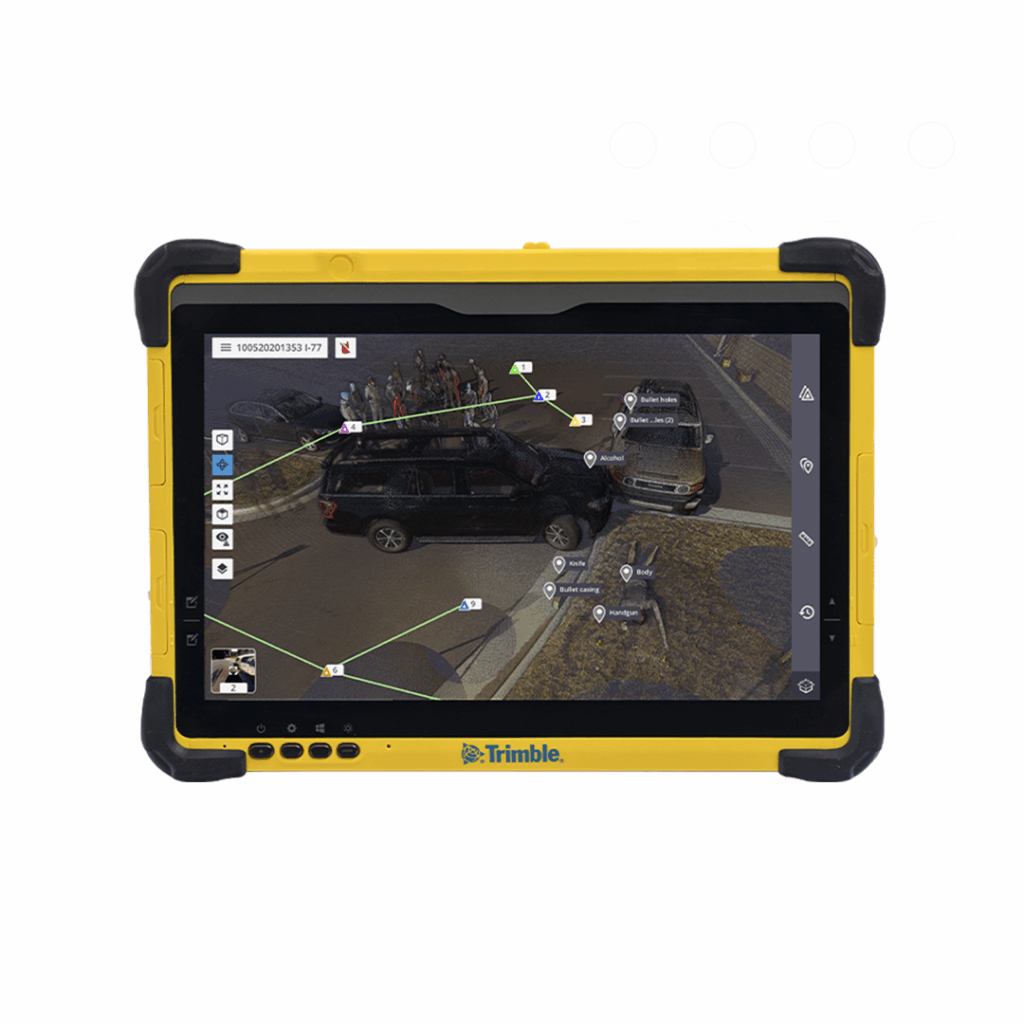
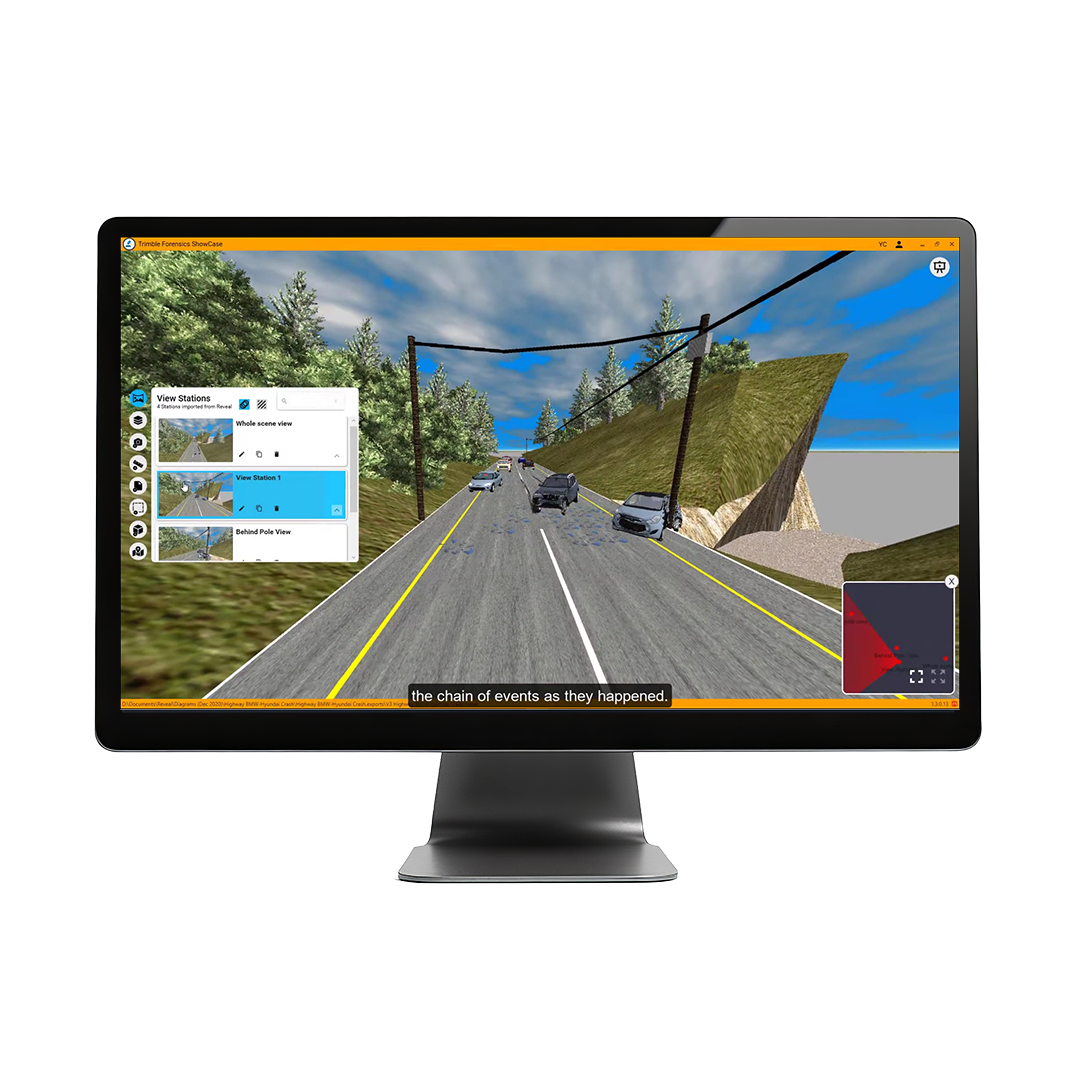
Trimble Forensics ShowCase presents 360-degree scene renderings that a jury or legal team can view and understand without any survey background, turning a technical reconstruction into something genuinely accessible to a non-technical audience.
Chronological Presentation of the Chain of Events
Evidence can be presented in chronological order, walking the courtroom through the sequence of events as the investigation understands it. This structure helps a jury follow a complex scene step by step rather than being presented with everything at once.
Secure Sharing with Attorneys and Colleagues
Trimble Forensics ShowCase supports secure sharing of case material with attorneys and colleagues ahead of a hearing, so the legal team is not seeing the presentation for the first time on the day it matters most.
Why a Connected Software Workflow Matters
Data Integrity from Scene to Court
Because data moves between these three products without needing to be rebuilt or reformatted, the connection between what was captured at the scene and what is shown in court remains traceable throughout. This matters for the credibility of the evidence as much as for convenience.
Reducing Time Between Scene Capture and Case Preparation
A connected workflow also reduces the time between capturing a scene and having usable case material ready, since no stage is waiting on manual reformatting or reconciliation of data from the stage before it.
Frequently Asked Questions
Do all three software products need to be used together?
They are designed to work together as a connected workflow, and using all three delivers the full benefit of that connection. That said, a team can use Trimble Forensics Reveal for analysis without Trimble Forensics ShowCase if their courtroom presentation needs are handled differently.
Can Trimble Forensics Reveal analyse data from non-Trimble scanners?
Trimble Forensics Reveal is built around data from Trimble Forensics Capture and is also compatible with Trimble RealWorks data. Common point cloud formats like E57 and LAS can be imported as well.
How does KOREC support teams in implementing the forensic software workflow?
KOREC can advise you on how Forensic Mapping software can support your workflow. Speak to our friendly experts today to get the right technology to solve your project challenges.
How 3D Laser Scanners Are Used at Crime and Collision Scenes
Find out how 3D laser scanners capture complete crime and collision scenes in minutes, why speed matters for scene clearance, and how point cloud data supports evidence analysis and court...
What Equipment Is Used in Forensic Scene Documentation?
Discover the geospatial equipment used at crime and collision scenes, from 3D laser scanners and total stations through to GNSS, and how each tool contributes to accurate, court-ready documentation.
If a project requires refurbishment, redevelopment, restoration or extension of an existing property, it is likely that a measured survey will be required. Here we dig deeper into why, what...